
Clarify
Tasks & Projects · Inbox to Next Actions
Clarify your tasks. Know your next action.
Capture everything, decide the next action, and organize by projects, contexts, and weekly review—calmly, on your iPhone.
Free to start · Lifetime Pro unlocks more
Capture → Clarify → Organize
A simple path from overwhelm to a clear next action—without noise or busywork.
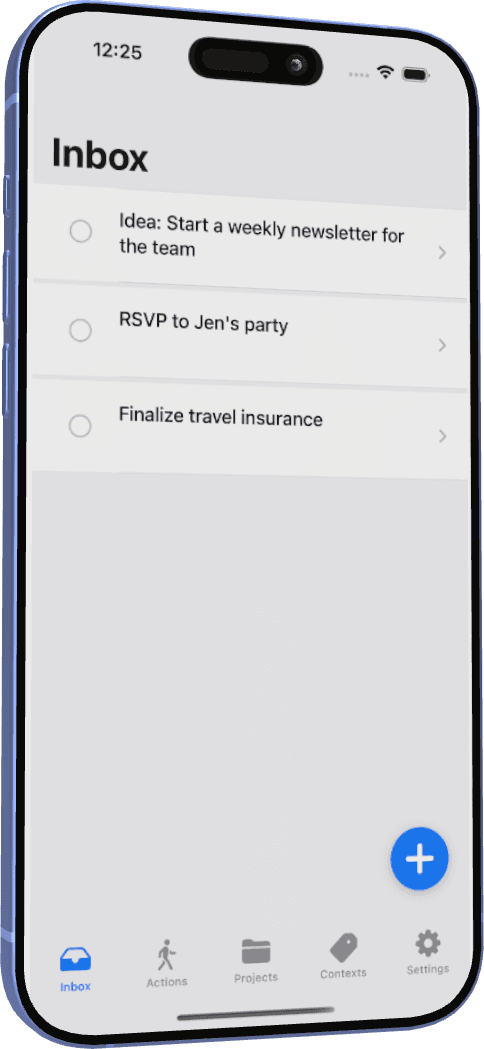
01 · Capture
Capture
Get thoughts out of your head into Inbox—messy is fine. One capture clears mental clutter.
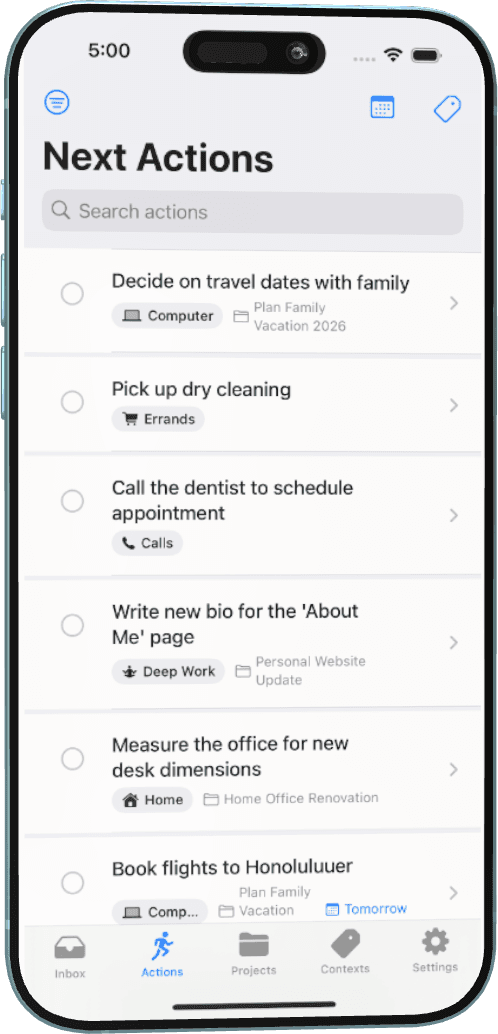
02 · Clarify
Clarify
Decide what each item means and turn it into a concrete next action you can do.
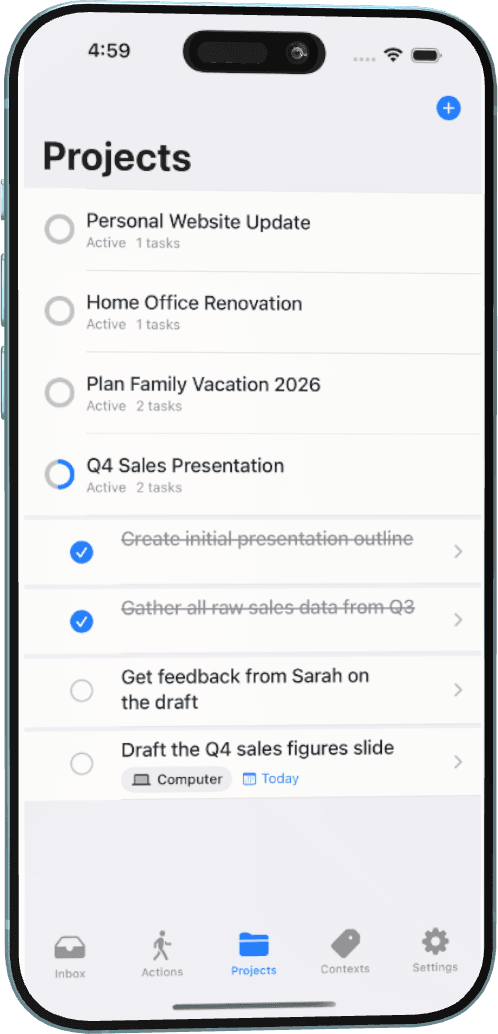
03 · Organize
Organize
Group multi-step outcomes as Projects so related work stays together and visible.
Lists that match how you work
Beyond Inbox and Next Actions—Contexts, Waiting For, and Someday/Maybe keep your system honest.
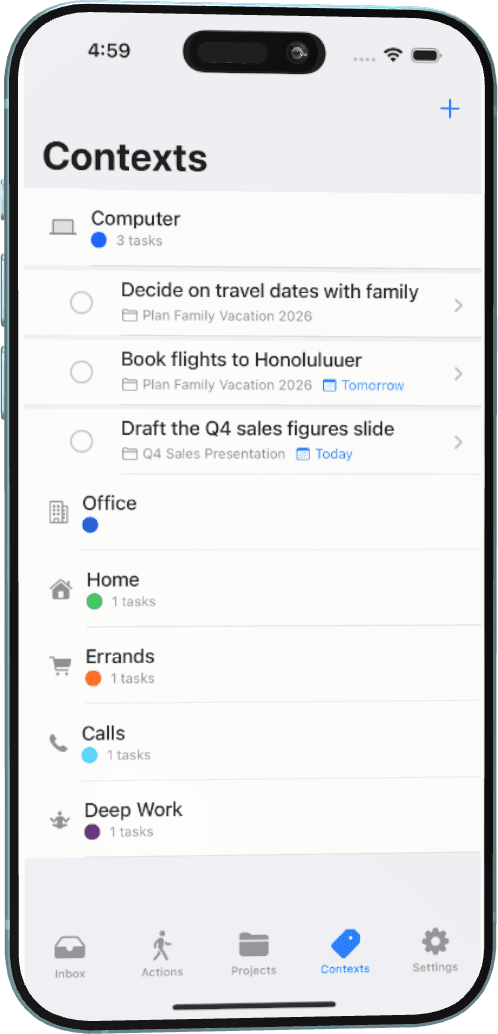
Contexts
Filter next actions by where you are or what tools you have—@Calls, @Errands, and more.
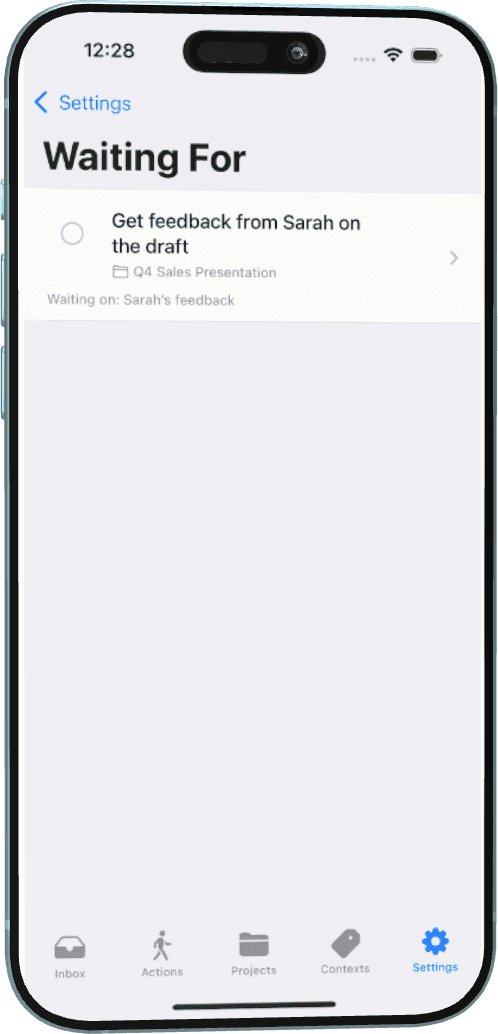
Waiting For
Track delegated items and who you’re waiting on so nothing slips through the cracks.
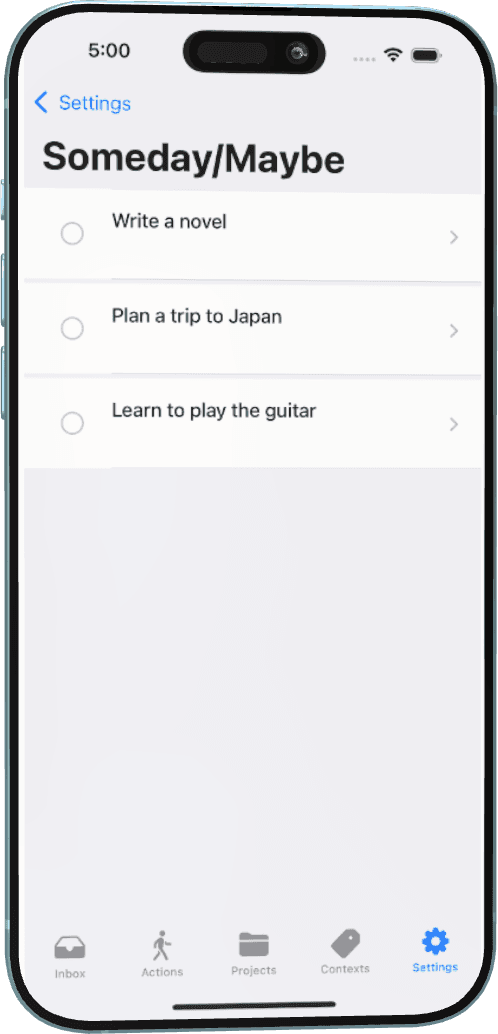
Someday / Maybe
Park ideas that aren’t actionable yet without cluttering your Next Actions list.
Pro workflows
Focus & Weekly Review
When you’re ready to go deeper, Pro tools help you stay with one action and keep the whole system current.
Focus sessions
Start a timed Focus session from a task, with optional ambient audio and Live Activity on Dynamic Island—so one next action stays front and center.
Guided Weekly Review
Walk Inbox, Projects, Waiting For, and Someday/Maybe with a guided checklist so nothing stale hides in your lists.
Included with Lifetime Pro.
Connect your tools
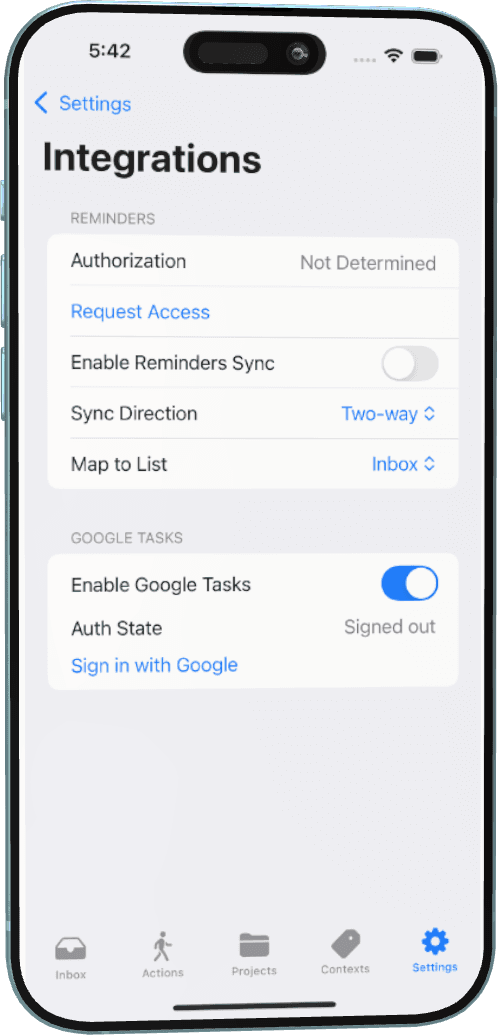
Optional integrations stay under your control. Enable only what you need—your data stays on your device unless you choose to sync.
- iCloud sync — keep lists across your devices with private CloudKit sync.
- Apple Reminders — optional two-way sync with list mapping to Inbox or Next Actions.
- Google Tasks — optional sync when your workflow already lives there.
- Siri & Shortcuts — capture and complete tasks hands-free with App Intents.
Integrations unlock with Lifetime Pro.
Plans
Free core workflow. Unlock Lifetime Pro anytime—one purchase, yours to keep. No subscription. Current price is shown in the App Store.
Free
Always yours
- Inbox capture
- Next Actions
- Projects & Contexts
- Waiting For & Someday/Maybe
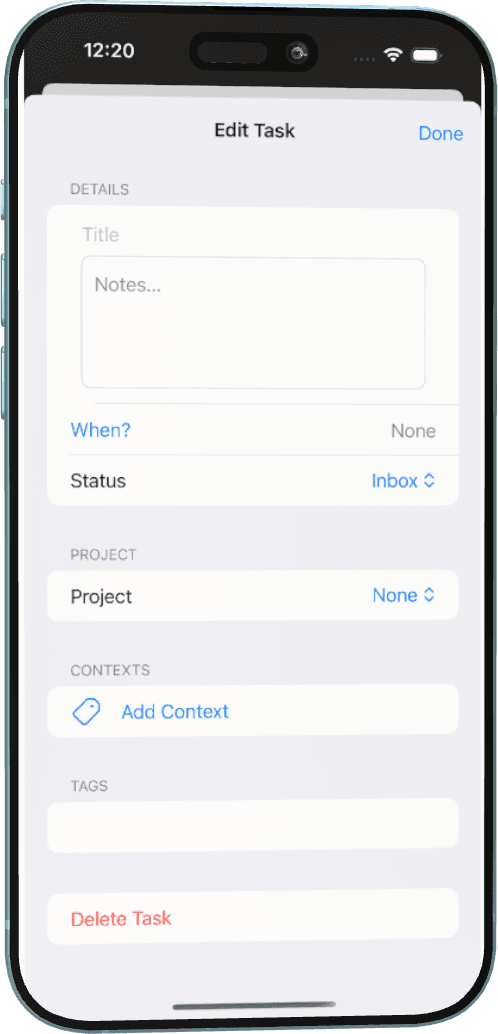
- Tags & task editor basics
Lifetime Pro
One-time purchase
- Everything in Free
- iCloud sync
- Reminders & Google Tasks
- Focus sessions + Live Activity
- Weekly Review & Siri/Shortcuts
- No subscription
- Restore purchases anytime
- Price shown in the App Store
New to this method?
Clarify follows a simple, GTD-inspired path: capture what has your attention, clarify the next action, organize by projects and contexts, review weekly, and engage with confidence. A short guide walks you through it in a few minutes.
From overwhelm to clear next actions.
I've founded a company, led large teams, and managed multi-million dollar projects. A clear capture-and-clarify workflow was my lifeline. I built Clarify to help you get tasks out of your head, decide the next action, and organize work by projects and contexts—calmly and without noise.
— Taric Andrade, Founder
Made with care in British Columbia, Canada.
Start clarifying your next actions.
Download Clarify from the App Store. Core workflow is free. Unlock Lifetime Pro anytime—one purchase, no subscription. Current price is shown in the App Store.